
Need A Production Feasibility Review?
Send the dieline, artwork PDF or AI file, packaging style, size and quantity. We can review the information required for quoting and identify points that should be confirmed before sampling or production.
- Dieline dimensions and panel orientation
- Bleed, fonts, linked images and color references
- Foil, embossing, spot UV and other finish layers
- Packaging structure, material and order quantity
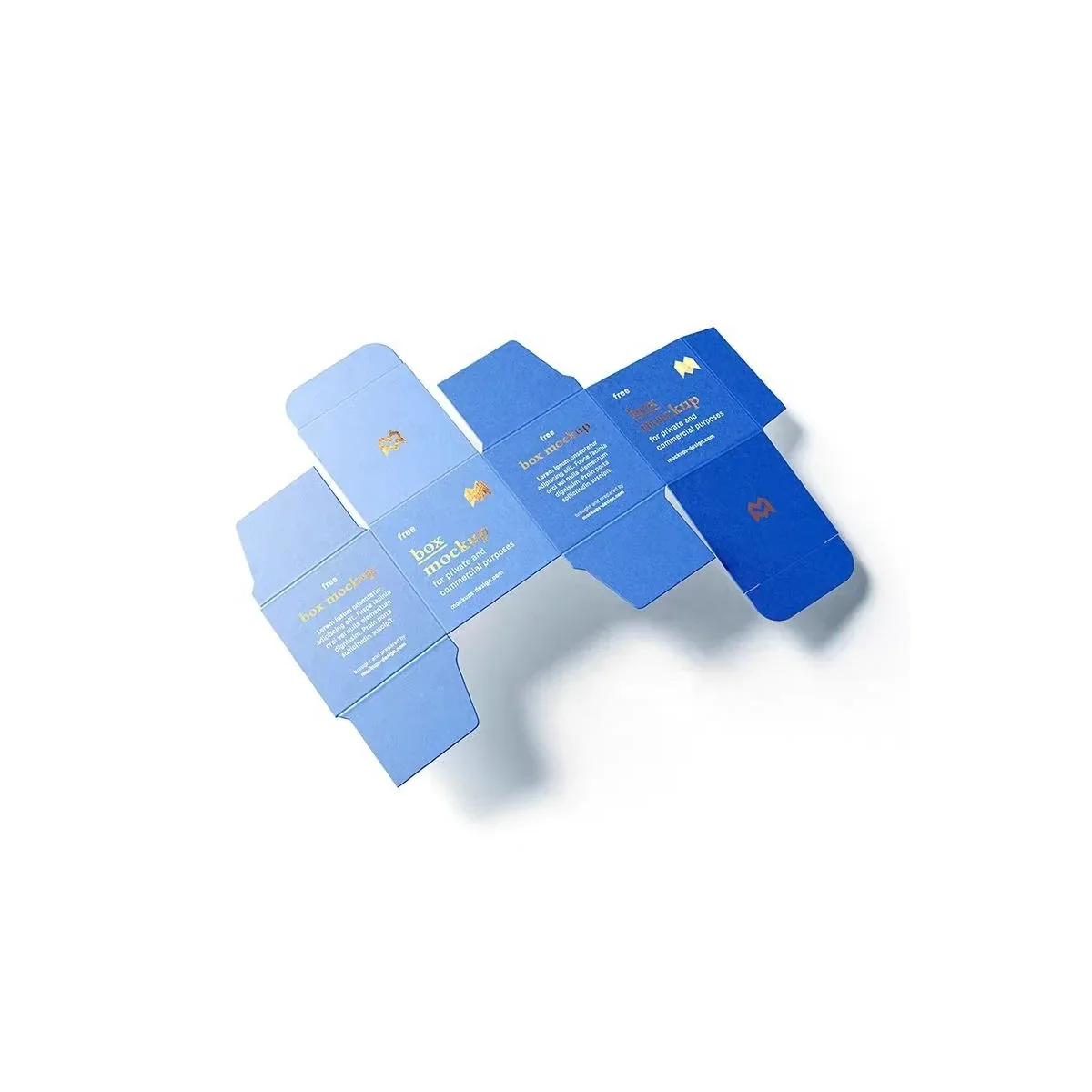
Clear artwork files help custom packaging projects move faster and reduce mistakes before sampling or mass production. Whether you are ordering paper bags, mailer boxes, cosmetic boxes, rigid boxes, kraft boxes, food packaging, or retail boxes, the artwork file should match the packaging structure and printing method.
This guide explains what buyers should prepare before sending artwork for custom packaging production. No final dieline yet? Send your product dimensions, packaging style, target quantity and a reference photo. We can review the starting specification before artwork approval.
Start With The Correct Dieline
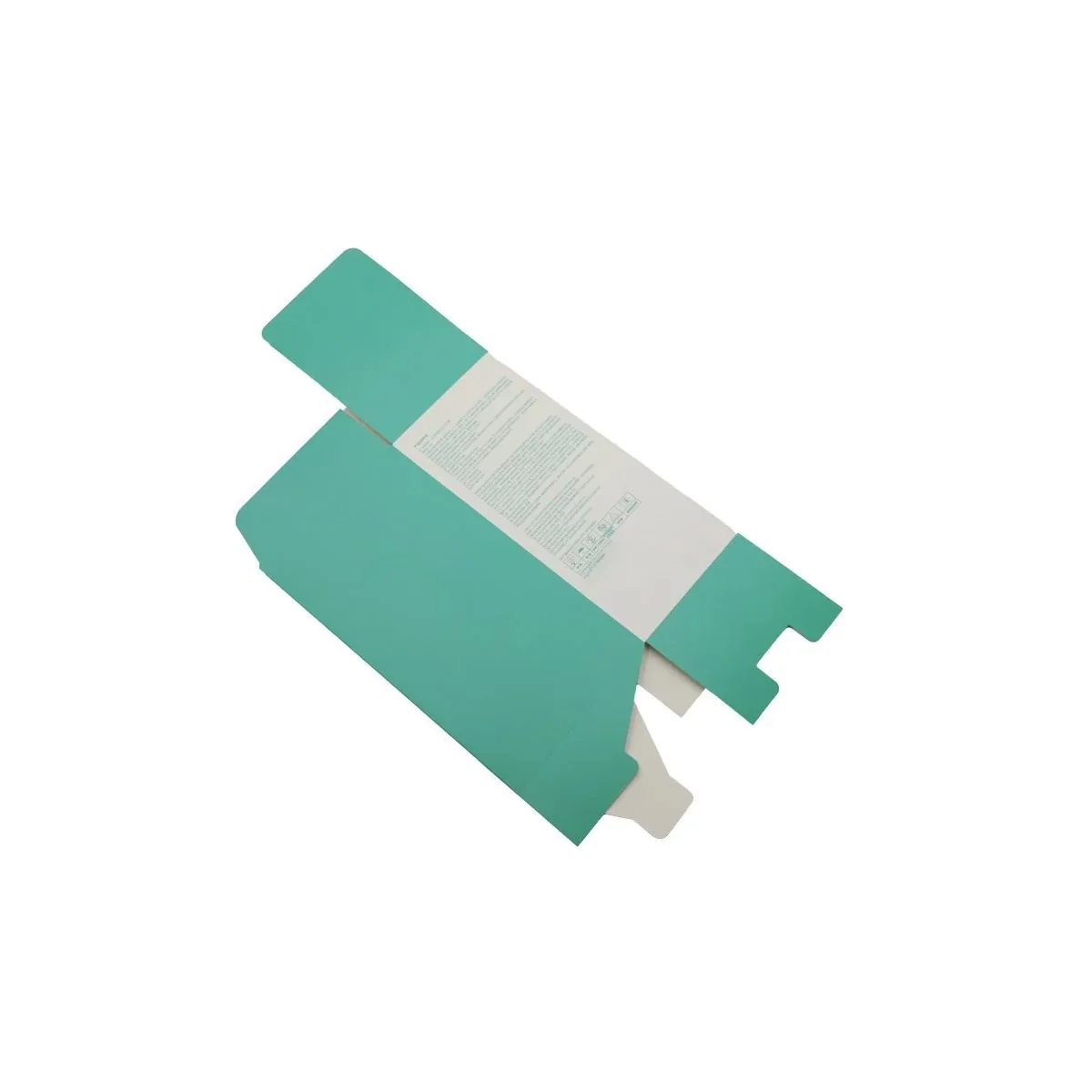
A dieline is the flat layout of the packaging structure. It shows cut lines, fold lines, glue areas, bleed areas, and important safe zones. Artwork should be placed on the final confirmed dieline, not on an approximate box drawing.
If you do not have a dieline yet, provide the product size, product weight, box style, and packaging use. XLY Pack Factory can help recommend a structure and prepare a dieline after the packaging size is confirmed.
Use Vector Files When Possible
For logos, icons, text, and line artwork, vector files are preferred. Vector artwork stays sharp when resized and is better for printing, foil stamping, embossing, debossing, and spot UV.
Common useful file formats include AI, PDF, EPS, and editable vector PDF. A flat JPG or PNG can be used as a reference, but it may not be enough for high-quality production.
Confirm CMYK, Spot Colors And Finish Separations
Use the color setup agreed for the printing method. CMYK is used for process-color artwork; keep any required Pantone spot colors and special-finish separations clearly identified. RGB screen artwork can change when converted for print, so confirm the production file and proof with the supplier.
If your brand requires exact color matching, include Pantone color numbers. Pantone colors are useful for logos and brand colors, especially when the design uses simple solid colors.
Add Bleed And Keep Text In Safe Areas
Bleed extends the artwork beyond the final cut edge so the print can be trimmed cleanly. Without bleed, there may be white edges after cutting.
Important text, logos, QR codes, barcodes, and legal information should stay inside the safe area. Do not place small text or essential design elements too close to cut lines or fold lines.
Outline Fonts Or Include Font Files
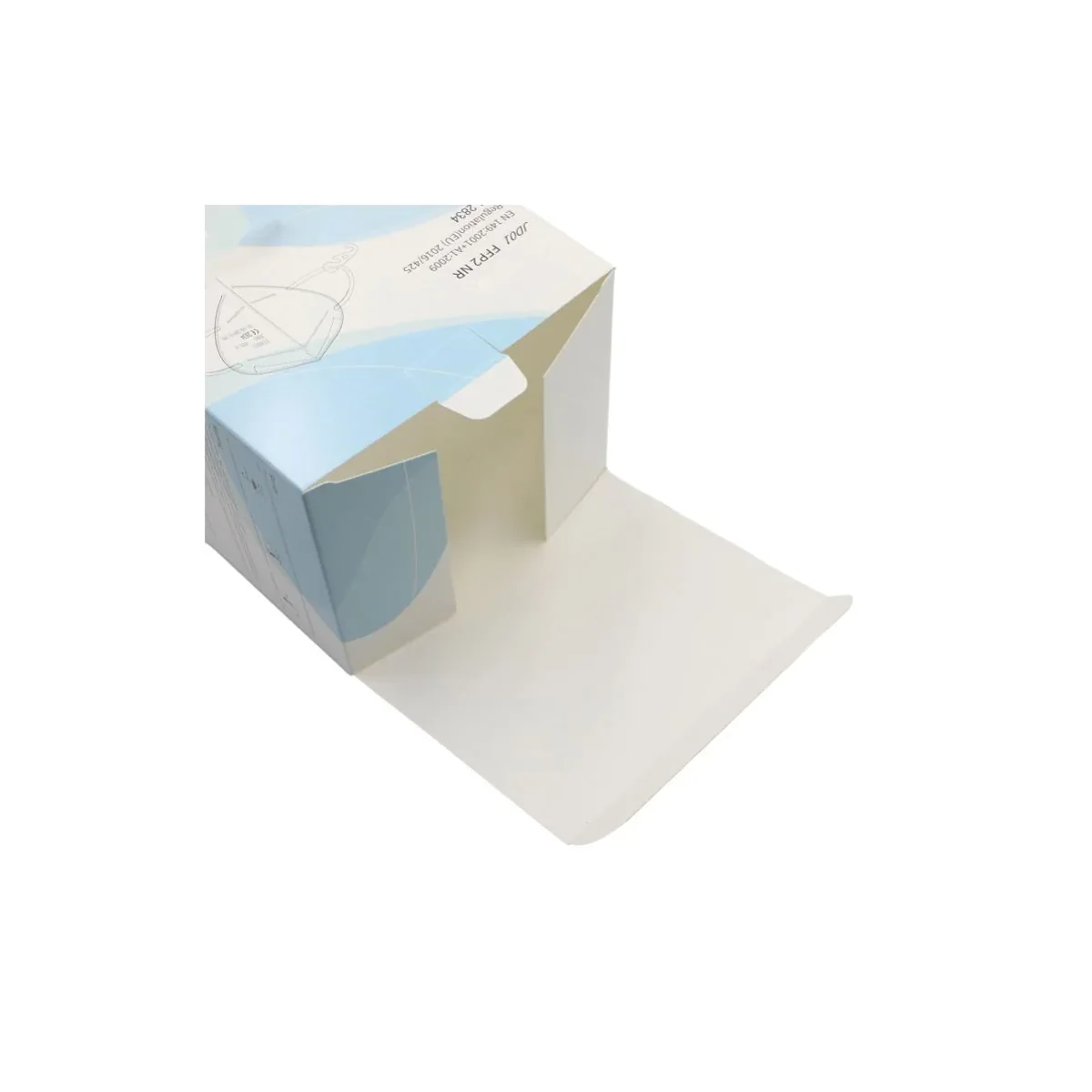
If fonts are not outlined, the text may change when the file is opened on another computer. To avoid font problems, outline all text before sending final artwork, or include the font files if editable text is required.
For small text, choose a readable font size and avoid very thin strokes. This is especially important for kraft paper, textured paper, and small packaging.
Mark Special Finishing Clearly
If your packaging includes foil stamping, embossing, debossing, spot UV, window patching, or special coating, mark those areas clearly in the artwork file. It is helpful to place finishing marks on separate layers.
For example, foil stamping artwork can be placed on a separate layer named “Gold Foil”. Spot UV can be placed on a separate layer named “Spot UV”. This makes prepress checking easier and reduces production misunderstanding.
Check Image Resolution
Product photos, patterns, and background images should be high resolution. Low-resolution images may look acceptable on screen but appear blurry after printing.
As a general rule, use high-quality original images and avoid enlarging small images too much. If your design includes detailed photo printing, send the original image files together with the artwork.
Artwork Checklist Before Sending
- Final dieline is confirmed
- Artwork is placed on the dieline correctly
- CMYK or the agreed spot-color setup is confirmed
- Pantone numbers are included if needed
- Bleed area is added
- Text and logos stay inside safe zones
- Fonts are outlined or included
- Foil, embossing, spot UV, and other finishes are marked clearly
- Images are high resolution
- Final file is saved as AI, editable PDF, EPS, or production-ready PDF
Need Help Checking Your Packaging Artwork?
XLY Pack Factory can review packaging artwork before sampling or production. Send your dieline, logo, design file, box size, material, quantity, and finishing requirements so we can check the file and quote more accurately.
Related Guides Before Production
If your project is still in the planning stage, you may also want to review our printing and finishing guide, MOQ and production timeline guide, and custom packaging inserts guide.
If you are preparing artwork for a specific format, compare corrugated mailer boxes, folding cartons, magnetic closure rigid boxes, and custom paper bags before approving the final dieline. The structure and print route affect the artwork check. For folding cartons, note the tuck or lock-bottom direction, barcode panel and required copy.
Artwork File FAQ
Can you help create a dieline?
Yes. If you provide product size, product weight, packaging type, and target use, we can help recommend a structure and prepare a dieline after the size is confirmed.
Can I send JPG or PNG artwork?
JPG or PNG files are useful as references, but editable AI, PDF, EPS, or vector PDF files are better for production, especially when the design includes logos, text, foil stamping, embossing, or spot UV.
Do I need Pantone colors?
Pantone colors are recommended when brand color matching is important. CMYK is common for full-color printing, while Pantone helps keep logo and brand colors more consistent.
Send a quote request or WhatsApp SofiaWhatsApp Mia if you need help preparing artwork for custom packaging.
Related Packaging Resources
What Happens After You Send The Artwork?
A production file is not approved merely because it opens. The dieline, panel orientation, print method, color references and finish layers need to match the quoted construction before proof approval.
Preflight
Confirm file format, linked images, fonts, bleed, safe margins and artwork scale.
Structure check
Match every panel, fold, glue area and opening direction to the approved dieline.
Process separation
Identify CMYK, Pantone, white ink, foil, embossing, spot UV and cut lines on clear layers.
Proof approval
Approve a dated revision and record which color and finish references control production.
Questions To Resolve Before Approval
- Is the artwork built on the final dieline revision?
- Are fonts outlined and linked images embedded?
- Are barcodes, legal copy and quiet zones at usable size?
- Are critical colors defined by an agreed reference?
- Are finish layers and production notes unambiguous?